
 By
By Kenyans who pay their NSSF and NHIF contributions will attest that everything is much easier if you can do it all from your phone and thanks to M-PESA, this is all possible. For the longest while, only NHIF contributions could be remitted through M-PESA, while NSSF contributions could only be paid through the traditional banking methods, until recently when NSSF partnered with Safaricom to enable M-PESA payments.
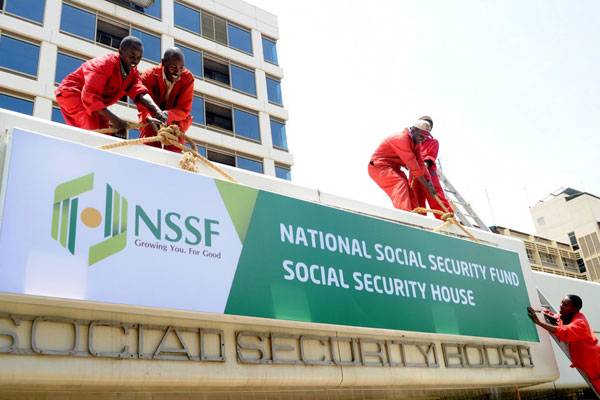
NSSF, the National Social Security Fund is a compulsory retirement-based scheme where members contribute a certain amount of money every month, based on their income level, and at retirement, the accumulated fund is availed to them as a retirement benefit.
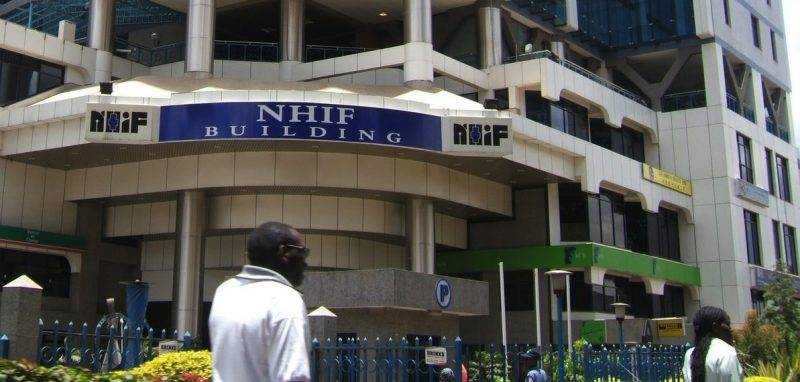
NHIF, National Hospital Insurance Fund, is a government health insurance firm that provides insurance for Kenyans whose requirement is a monthly contribution of Kes.500, to activate the cover.
Start off your week with tech news recap and trending conversations in your inbox

Paying NSSF via M-PESA

- Open M-PESA, go to Lipa na M-PESA
- Select Pay Bill option
- Enter Paybill number: 333 300
- Enter Account number: Your NSSF account number
- Input amount due and complete the transaction
Paying NHIF via M-PESA
- Open M-PESA, go to Lipa na M-PESA
- Select Pay Bill option
- Enter Paybill number: 200 222
- Enter Account number: Your national ID and then add the letter Y at the end i.e 12345678Y
- Input amount due and complete the transaction



I really appreciated your point about task-switching being the real culprit behind afternoon burnout rather than just the workload itself. It finally made me realize why answering “quick” emails between deep work sessions leaves me so mentally drained. Definitely going to try your 30-minute batching window tomorrow!