
 By
By Following the possibility that the Huawei Mate 30 might not launch with a certified version of Android, it got us thinking as to whether it’s actually possible to have a well-functioning Android device without Google apps.
There are other reasons why Android users might want to steer off Google products, with the major reason being privacy concerns. While your reason for seeking alternatives to Google services maybe be personal, here are the best alternatives to Google apps on Android:
PlayStore -> Aptoide
Start off your week with tech news recap and trending conversations in your inbox

The first step to weaning yourself off Google is to stay away from their app store. Luckily, there are a number of alternatives that are just as good. The best one is a web app known as APKMirror.
The service is pretty popular and you will find literally all the apps that are on Google Play Store here, the only problem is that you have to download the APK of these apps and install them manually on your phone.
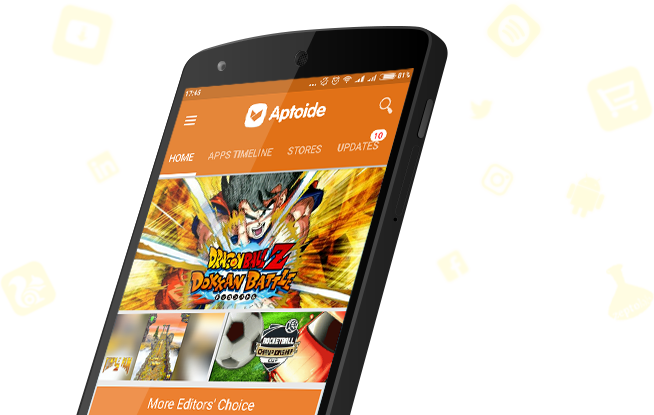
If you’d rather have a traditional app store, one that works similar to Google Play Store, then Aptiode is your most likely choice.
Google Search -> DuckDuck Go
This one applies to all users actually and not just those seeling Google Apps alternatives on Android. If you are tired of Google tracking your every move to serve you ads or offer better services then using DuckDuck Go is your best option.
The search engine is pretty powerful and similar to what you get with Google, you only lose out on personalized search results but I guess that’s a worthy sacrifice?
Chrome -> Brave Browser
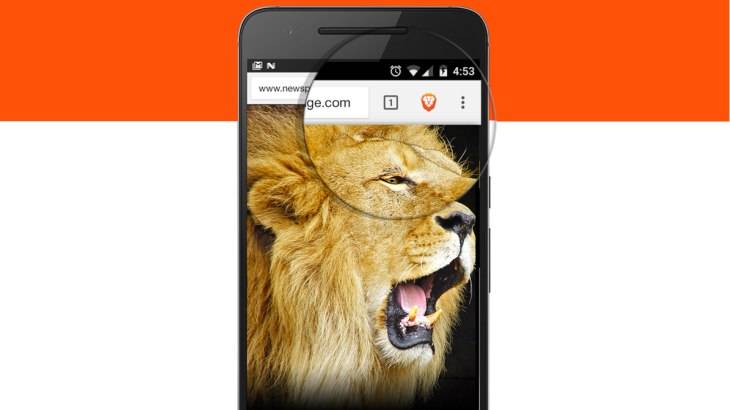
When it comes to browsing the web, Google Chrome is the default for a lot of people. But when steering away from Google products, you may want to try the likes of Microsoft Edge and Mozilla Firefox but if you want to maintain all that we love about Chrome but still stay away from Google, then Brave Browser is your best alternative.
It runs on Chromium, the same engine that powers Chrome but has the benefit of privacy at its core with ad blockers, tracking blockers and other privacy-centric features built-in.
Maps -> Here WeGo
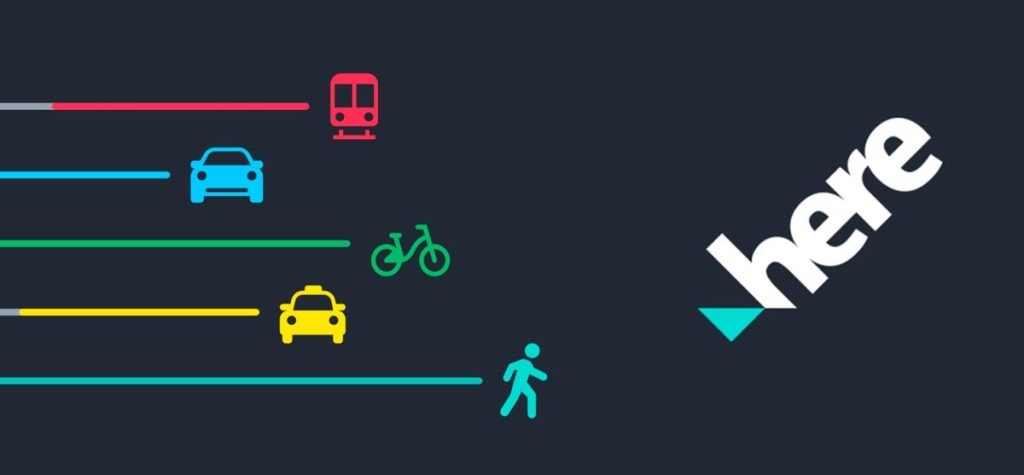
Formerly known as Here Maps, this app by Nokia is the best alternative to Google Maps. It offers similar features such as traffic updates, alternative routes and various ways to get to your destination including cycling, walking and public transport.
It might take a while to get used to it but once you do, you’ll feel right at home.
Gmail -> Outlook
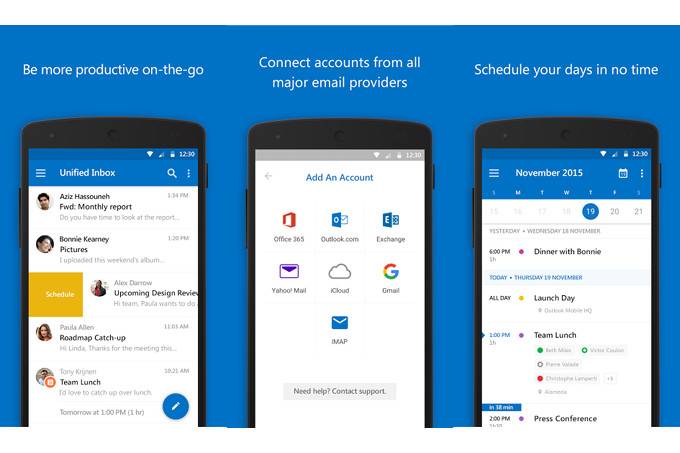
When it comes to email clients we have a number of alternatives. From our experience, we’ve found out that Microsoft Outlook (Hotmail) is one of the best clients out there that works seamlessly with a good number of email providers.
Google Drive -> OneDrive
When it comes to cloud storage, the options could be limited especially if you’re looking for sufficient storage. The likes of Dropbox are good but only offer 2GB of free storage which leaves OneDrive as the best alternative.
OneDrive isn’t too great either, but at least it gives 5GB to start, which is better than 2. But if you have a Samsung device, you actually get 50GB.
Photos -> Amazon Photos
A lot of people have no idea Amazon Photos actually exists but its the best alternative to Google Photos. To start, you get 5GB of free storage for your photos and videos with features similar to Google Photos such as contextual search and AI capabilities.
However, users have complained that the app’s usability is not as great as Google Photos, so keep that in mind.
Calendar -> aCalendar
Most people just use the default calendar that comes on their phones and sometimes that Calendar is Google Calendar. If this is the case or if you actually prefer using Google Calendar to your stock calendar then getting aCalendar will leave you feeling right at home.
It has all the features we seek after in Google calendar, including a similar UI so the change should not be that hard on you.
GBoard -> Swiftkey
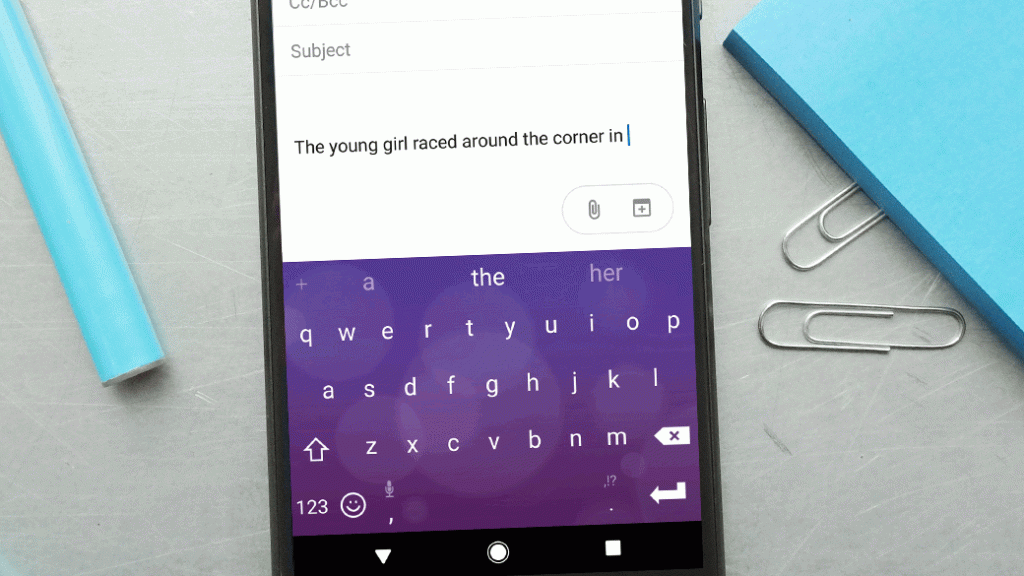
This is another app that most people just stick to the default on their phones. Like the calendar, if you happen to have a preference for Google Keyboard, then trying out Swiftkey will not be too bad.
You get swipe gestures, synch capabilities and even theming options.
Got any other Google Apps alternatives you think we should know about? Let us know below.


Bin schon laenger stiller Mitleser, daher hier meine Erfahrungen, worauf ich vor der Anmeldung achte. Nachdem ich ein paar Mal Pech hatte lese ich zuerst das Kleingedruckte.
Zuerst die Lizenz: Lizenznummer suchen und nachpruefen, und ob Spieler aus dem eigenen Land ueberhaupt zugelassen sind. Danach Ein- und Auszahlungen: Karte, E-Wallets und Ueberweisung sollten dabei sein, und die Auszahlungslimits muessen klar drinstehen.
Beim Willkommensbonus fallen die meisten rein. 35x oder 40x Umsatz ist normal, und Live Tische zaehlen oft gar nicht. Einen guten aktuellen Ueberblick mit Bonusbedingungen, App und Zahlungsmethoden kann man hier lesen [url=https://scrapbox.io/solkrypto661f5e/Dragonia_Casino_Online_Spiele_2026_ein_praktischer_Ratgeber]dragonia bonus[/url] damit man weiss, worauf man sich einlaesst.
Ich spiele fast nur noch am Handy, und eine App lade ich nur von der offiziellen Seite. Der Support zaehlt auch: langsame Standardantworten bedeuten spaeter oft Aerger.
Vielleicht hilft es ja jemandem. Spielen ist Unterhaltung, kein Einkommen.