
 By
By 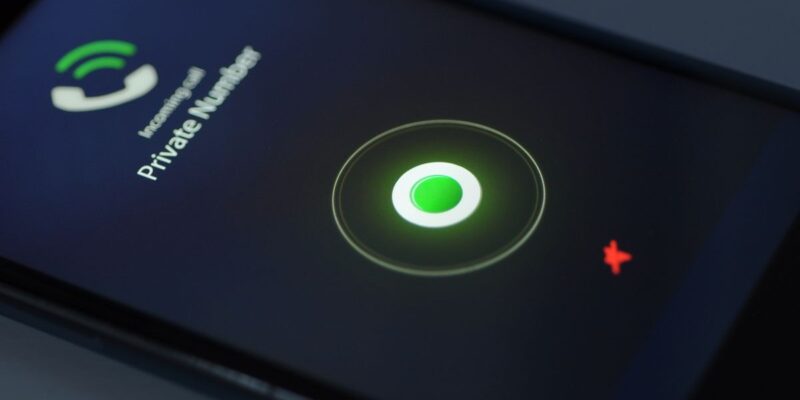
Whether you’re getting quotes from call dealers, setting up an online date or returning a work call from your personal phone, there are times when having a private number makes sense. Luckily, there are now a number of options that you can choose to hide your caller ID on Android and iOS. if you do not own a smartphone it is also quite easy to cloak your number when dialling.
Calling With A Private Number on iOS
- Open the Settings app.
- Tap Phone.
- Tap Show My Caller ID.
- Tap the Toggle Switch next to Show My Caller ID.
Using an Android Smartphone
- Open the Phone app.
- Tap the three-bar menu icon on top of the screen or More button depending on your phone.
- Tap Settings at the bottom of the menu.
- That will open up the phone menu that you will need to scroll down. Your phone will then have More Settings, Additional Settings or Supplementary Services depending on your make.
- Tap Show Caller ID.
- Tap Hide Number.
Using a Kenyan Code
Every country has a specific code that you can use to hide your caller ID. Kenyan users have the #31# code that they can use.
So, all you have to do is dial #31# then your number i.e #31#07******** then call. The call will be forwarded but the receiver will not be able to see your number.
Start off your week with tech news recap and trending conversations in your inbox

It would be advised to only use a private number when it’s particularly required. Many people don’t like receiving such calls and you would end up having tonnes of calls that aren’t picked.




I’ll right away take hold of your rss as I can not in finding your email subscription link
or e-newsletter service. Do you’ve any? Please permit me recognise
in order that I may subscribe. Thanks.
Here is my webpage; Terminarz Ucznia program pobieranie
Aw, this was an incredibly good post. Finding the time and actual effort to make a
great article… but what can I say… I procrastinate a whole lot and never seem to get nearly anything
done.
Also visit my website https://twotonecomix.com