
 By
By 
If you’re out there looking for another app to use other than Zoom, Google Meet might be the software for you. Here’s how to use it and enjoy all its features.
What Is Google Meet?
Google Hangouts Meet, or just Meet, is Google’s enterprise video conferencing software. This app is similar to the video calls in the free, consumer version of Hangouts. It has a few additional features like real-time captions and support for up to 250 participants and 100,000 live stream viewers.
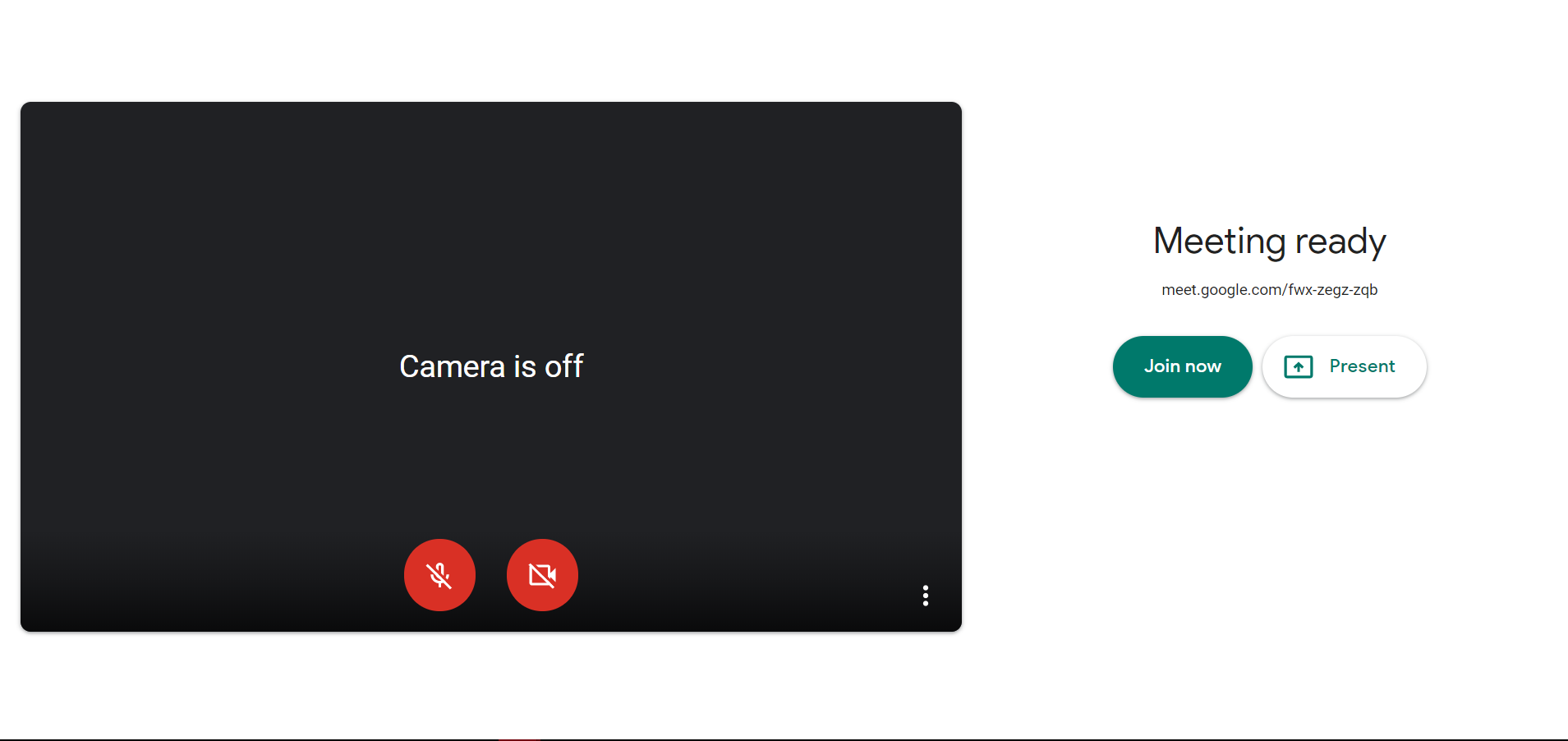
- Go to meet.google.com (or, open the app on iOS or Android, or start a meeting from either Google Calendar or G-Mail ).
- Click Start new meeting, or enter your meeting code.
- Choose the Google account you want to use.
- Click Join Meeting. You’ll have the ability to add others to your meeting, too.
Start off your week with tech news recap and trending conversations in your inbox

Features and Updates
In April, Google added a couple of new features to Meet. The company has now announced that it is adding a few more features to the video conferencing app. All features will begin rolling out to customers around the world starting today. If you use Google Meet, you should look out for these new features. If you don’t use it, here’s a little information and new features you should look out for.
Initially, grid layouts in Meet only allowed users to see four people at a time. The app now offers a grid layout that allows web users to see up to 16 participants at once, (Just like zoom does.)
Other Changes on Google meet:
- Low light mode: It uses Google AI to automatically make adjustments so that users can be more visible to other participants in poor lighting conditions.
- Noise cancellation: Meet has also gained the ability to filter out background distractions. This is thanks to the new AI-powered noise cancellation feature. Google says the feature can intelligently suppress background noise such as keystrokes or your dog barking.
- Sharing of Chrome tabs: You can now share high-quality video with audio content with other participants in meetings thanks to the “present a Chrome tab” feature.
- Gmail integration.
These features are available for web users and will soon be available for mobile users. However, please take note that using Google meet can have its downsides. For example, when we would use it, there would be an echo.
We found out that it is because the software cannot apparently be used between mobile users and desktop users at the same time. For now, we advise that if you are holding a call, you should all either use desktop or mobile.




Thanks for your text. I would also love to say a health insurance brokerage also works for the benefit of the particular coordinators of the group insurance plan. The health insurance professional is given a listing of benefits searched for by individuals or a group coordinator. Such a broker does is look for individuals or maybe coordinators which usually best match up those wants. Then he provides his ideas and if the two of you agree, this broker formulates a binding agreement between the 2 parties.
https://fastread.in/bollywood-box-office-collection-2026/
I’ve really noticed that fixing credit activity has to be conducted with techniques. If not, you are going to find yourself damaging your rating. In order to reach your goals in fixing your credit history you have to take care that from this minute you pay your entire monthly dues promptly prior to their booked date. It is definitely significant on the grounds that by never accomplishing that area, all other measures that you will choose to use to improve your credit rank will not be efficient. Thanks for revealing your tips.
https://aitechtonic.com/digital-marketing-agency-city-wise/