
 By
By Following the possibility that the Huawei Mate 30 might not launch with a certified version of Android, it got us thinking as to whether it’s actually possible to have a well-functioning Android device without Google apps.
There are other reasons why Android users might want to steer off Google products, with the major reason being privacy concerns. While your reason for seeking alternatives to Google services maybe be personal, here are the best alternatives to Google apps on Android:
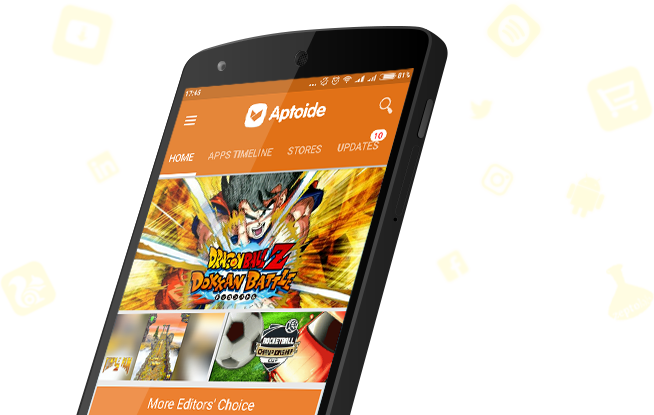
PlayStore -> Aptoide
Start off your week with tech news recap and trending conversations in your inbox

The first step to weaning yourself off Google is to stay away from their app store. Luckily, there are a number of alternatives that are just as good. The best one is a web app known as APKMirror.
The service is pretty popular and you will find literally all the apps that are on Google Play Store here, the only problem is that you have to download the APK of these apps and install them manually on your phone.
If you’d rather have a traditional app store, one that works similar to Google Play Store, then Aptiode is your most likely choice.
Google Search -> DuckDuck Go
This one applies to all users actually and not just those seeling Google Apps alternatives on Android. If you are tired of Google tracking your every move to serve you ads or offer better services then using DuckDuck Go is your best option.
The search engine is pretty powerful and similar to what you get with Google, you only lose out on personalized search results but I guess that’s a worthy sacrifice?
Chrome -> Brave Browser
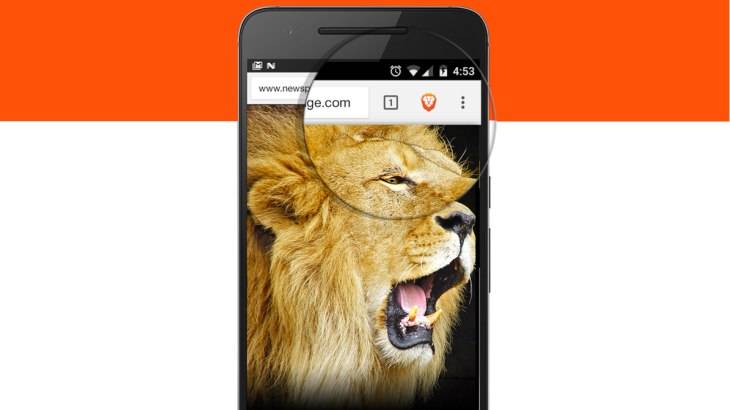
When it comes to browsing the web, Google Chrome is the default for a lot of people. But when steering away from Google products, you may want to try the likes of Microsoft Edge and Mozilla Firefox but if you want to maintain all that we love about Chrome but still stay away from Google, then Brave Browser is your best alternative.
It runs on Chromium, the same engine that powers Chrome but has the benefit of privacy at its core with ad blockers, tracking blockers and other privacy-centric features built-in.
Maps -> Here WeGo
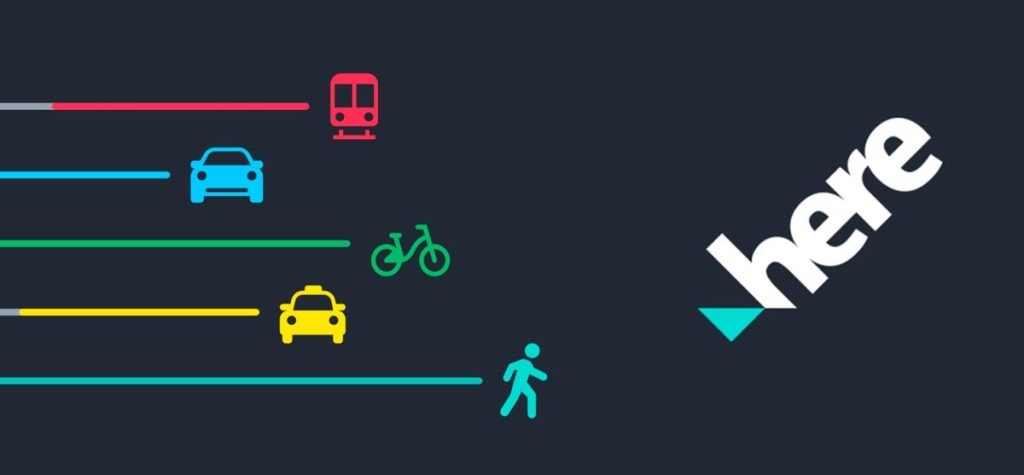
Formerly known as Here Maps, this app by Nokia is the best alternative to Google Maps. It offers similar features such as traffic updates, alternative routes and various ways to get to your destination including cycling, walking and public transport.
It might take a while to get used to it but once you do, you’ll feel right at home.
Gmail -> Outlook
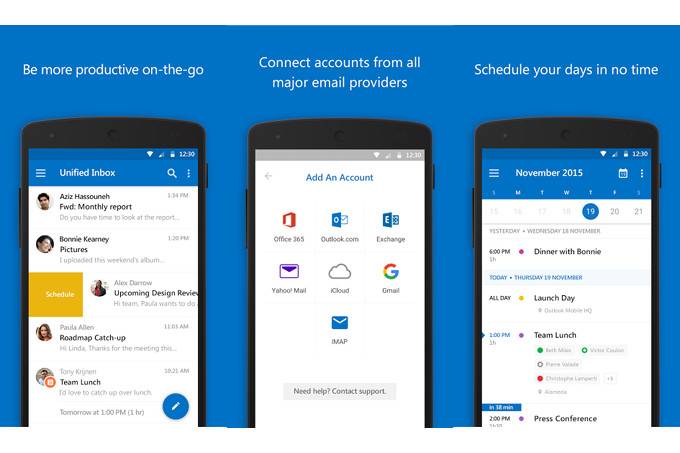
When it comes to email clients we have a number of alternatives. From our experience, we’ve found out that Microsoft Outlook (Hotmail) is one of the best clients out there that works seamlessly with a good number of email providers.
Google Drive -> OneDrive
When it comes to cloud storage, the options could be limited especially if you’re looking for sufficient storage. The likes of Dropbox are good but only offer 2GB of free storage which leaves OneDrive as the best alternative.
OneDrive isn’t too great either, but at least it gives 5GB to start, which is better than 2. But if you have a Samsung device, you actually get 50GB.
Photos -> Amazon Photos
A lot of people have no idea Amazon Photos actually exists but its the best alternative to Google Photos. To start, you get 5GB of free storage for your photos and videos with features similar to Google Photos such as contextual search and AI capabilities.
However, users have complained that the app’s usability is not as great as Google Photos, so keep that in mind.
Calendar -> aCalendar
Most people just use the default calendar that comes on their phones and sometimes that Calendar is Google Calendar. If this is the case or if you actually prefer using Google Calendar to your stock calendar then getting aCalendar will leave you feeling right at home.
It has all the features we seek after in Google calendar, including a similar UI so the change should not be that hard on you.
GBoard -> Swiftkey
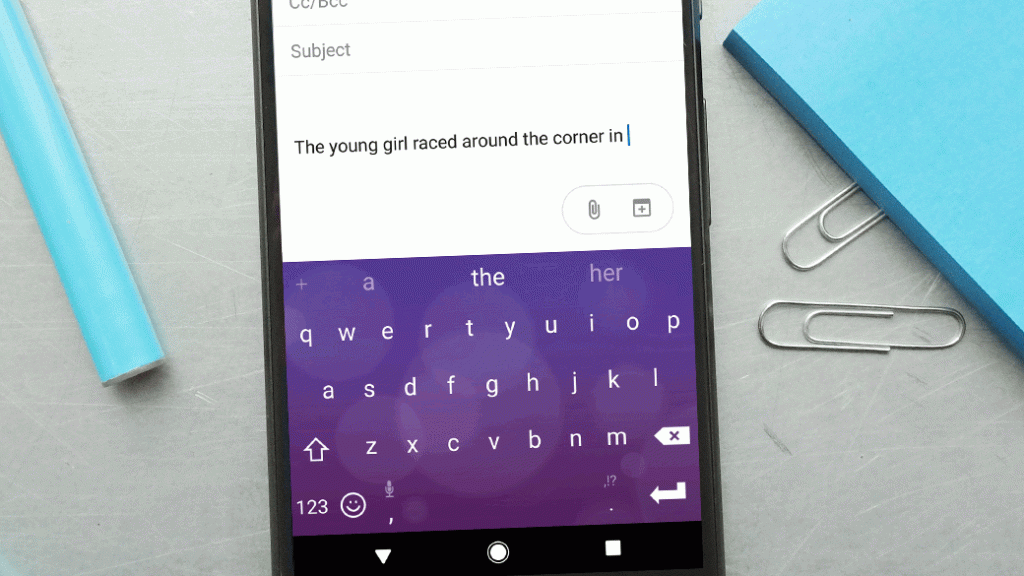
This is another app that most people just stick to the default on their phones. Like the calendar, if you happen to have a preference for Google Keyboard, then trying out Swiftkey will not be too bad.
You get swipe gestures, synch capabilities and even theming options.
Got any other Google Apps alternatives you think we should know about? Let us know below.



Been using Single Bet Calculator for the best part of a year, mostly late at night on the sofa, so take this for what it’s worth. Came across it through a mate, not an ad.
The lobby is bigger than I expected — a bit over 3,500 slots according to the filter counts. Pragmatic Play takes up most of the space, so Sweet Bonanza and all the standards are present and correct. Personally I mainly play Betsoft games since the maths feels fairer to me. The one thing that irks me — the search function on Single Bet Calculator is a bit rubbish, filters half work.
Live section is almost entirely Evolution, no complaints there. Proper human dealers, decent stream quality, and the game shows like Crazy Time is where I lose most of my money, honestly. Should mention the British side is well covered from about 6pm onwards. Before you deposit anything have a look over on [url=https://drabhishek.in/lucky-15-calculator-security-guide-for-uk-bettors]Single Bet Calculator[/url] since the offers shift about.
The sign-up deal from Single Bet Calculator came as ?100 matched plus 100 spins on Book of Dead. Playthrough sits at 30x which is about par these days. I also got 20 no deposit spins on verification. ?10 minimum, same as everywhere, the form was short enough, ID check was same-day.
Withdrawals are decent. Card payments land in a couple of days, Skrill hit in a few hours, and crypto clears fastest. Took out about ?250 recently no silly document requests. Support at Single Bet Calculator was on me within five minutes — human, not a bot script. They’re UKGC licensed, which matters more than the bonus size. App-wise there’s nothing, just the mobile site.